 Cookfolio
COOKFOLIO / Guides
How to organize your personal recipes
Create menus, add dishes, and organize categories to keep your favorite recipes in Cookfolio.
1. Create a menu for the occasion
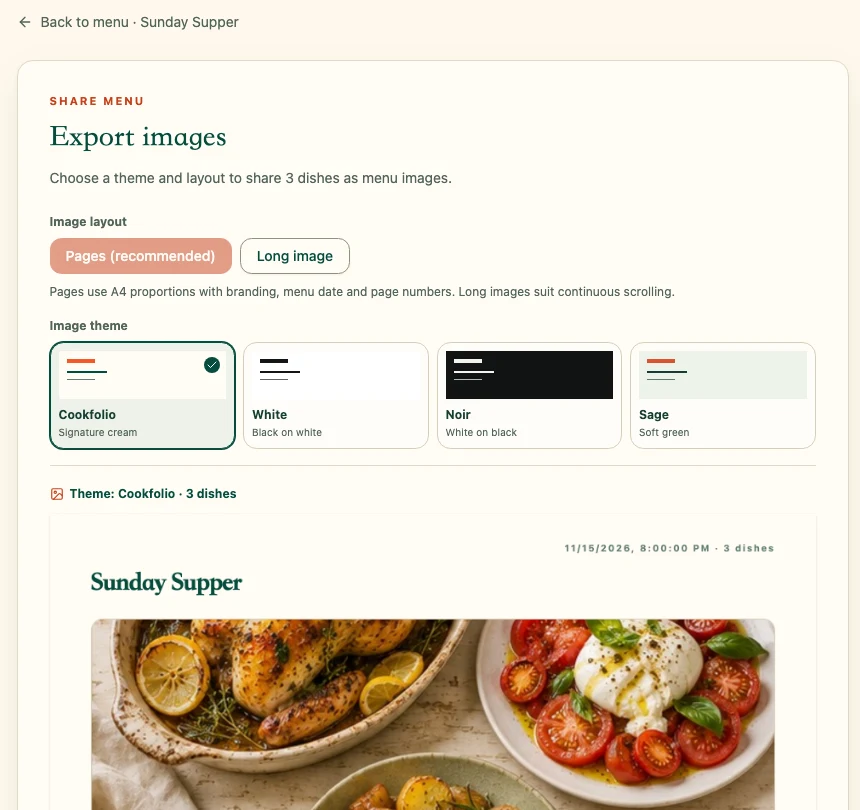
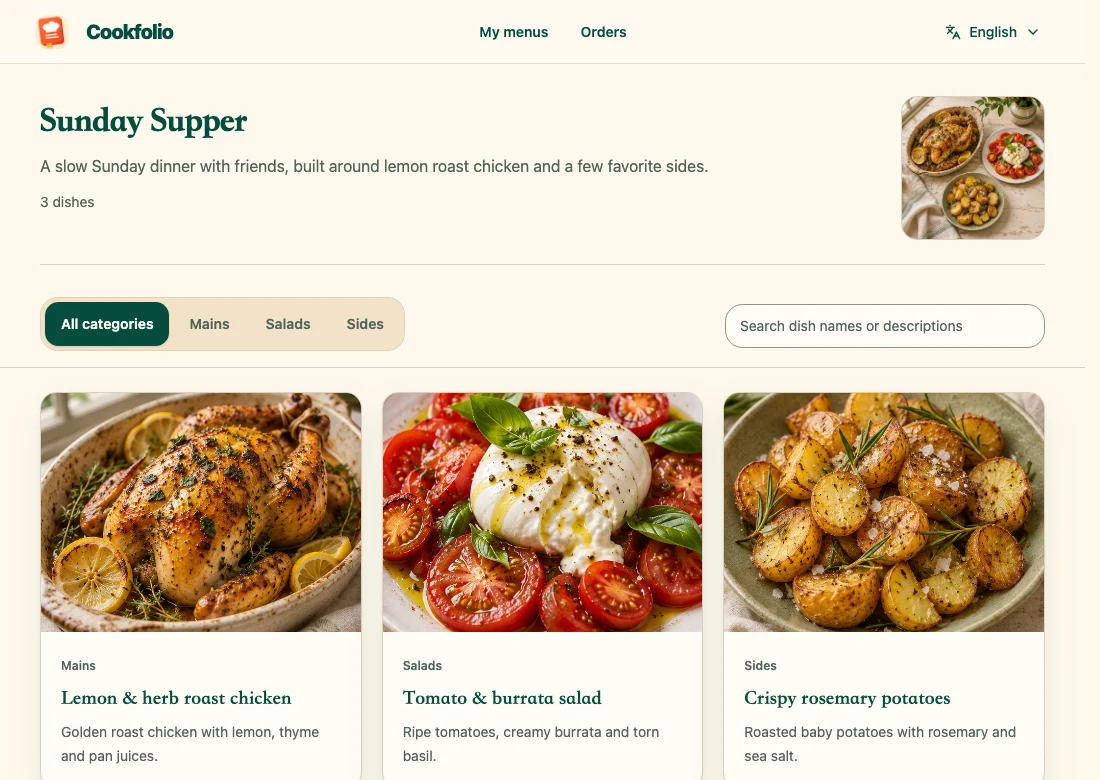
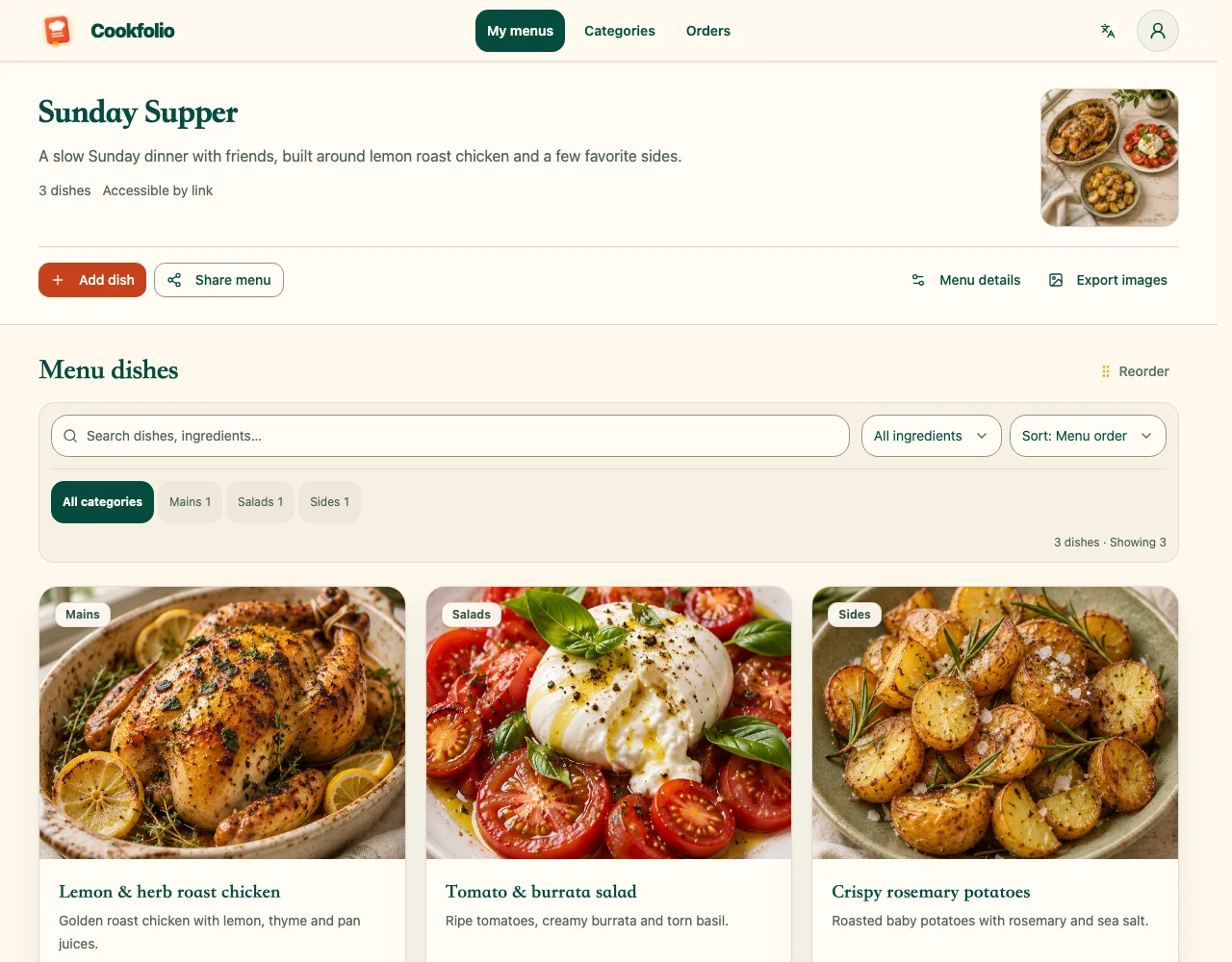
After signing in, open the menu workspace, create a menu, and enter its name and description. Start with everyday dishes or a separate menu for a weekend gathering rather than entering everything at once.
2. Record what you need while cooking
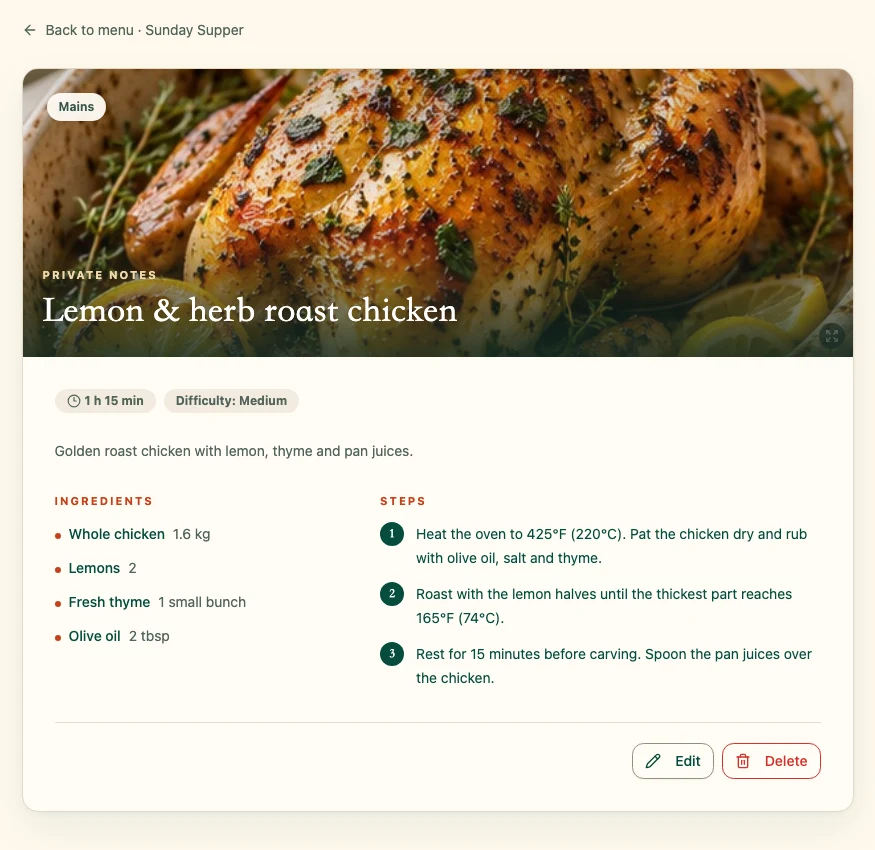
Add a dish with its name, description, and category. Include photos, ingredients, steps, difficulty, and cooking time as needed. Start with a version you have already cooked and refine it over time; it is easier to reuse than a dish name alone.
3. Find dishes faster with categories
Use category management to set up groups such as staples, meat dishes, vegetables, and soups. Assign each dish a category, then check how the menu looks. Keep category names consistent so future dishes are easy to add.
4. Save and check your work
Save your edits, then reopen the dish to check ingredients and steps. Sign in with the same account on another device to manage saved content. Menus are private by default; read the sharing guide before sharing to understand what visitors can see.