 Cookfolio
COOKFOLIO / Guides
How to create a dinner menu image
Organize dinner dishes, choose a theme, and export a PNG menu image to send to friends and family.
1. Decide what to serve
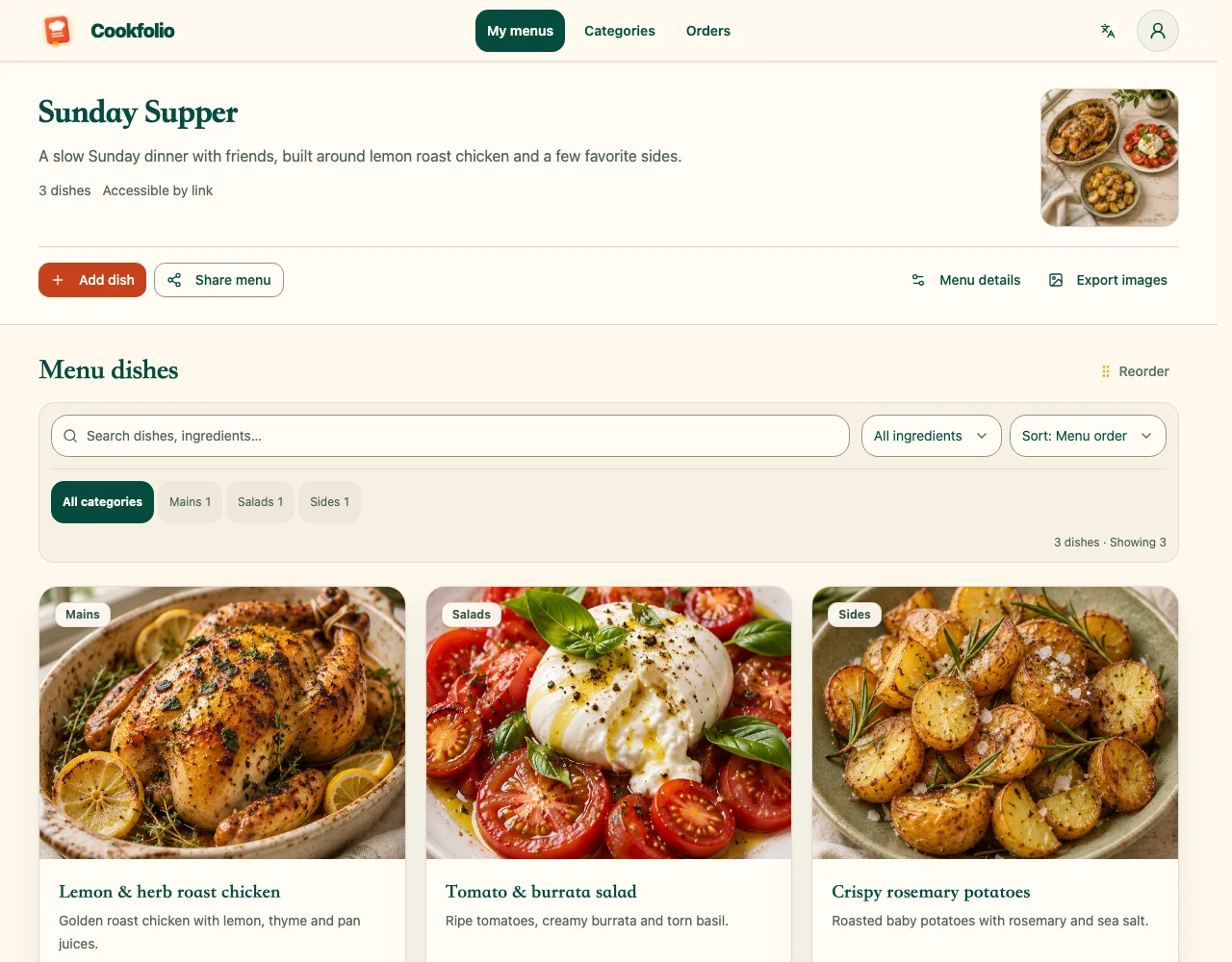
Create a menu for the gathering, enter its name and description, and add the dishes you plan to cook. Organize categories such as staples, hot dishes, cold dishes, and soups. Check names and images so guests only receive confirmed dishes.
2. Open menu image export
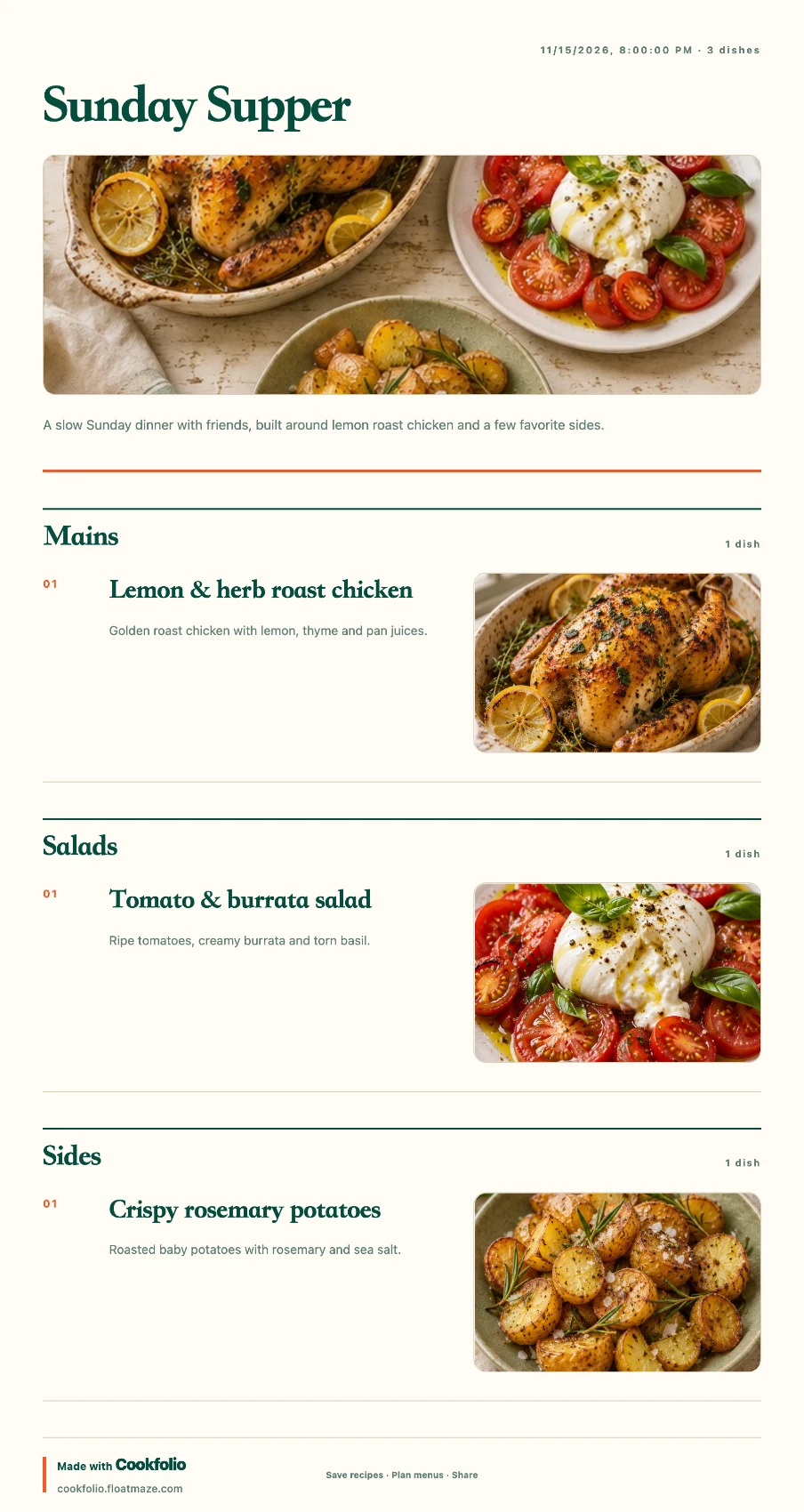
Open the image export page from your menu and choose a theme for the gathering. Cookfolio offers four menu image themes. Check the preview for readable text and clear images before choosing a style.
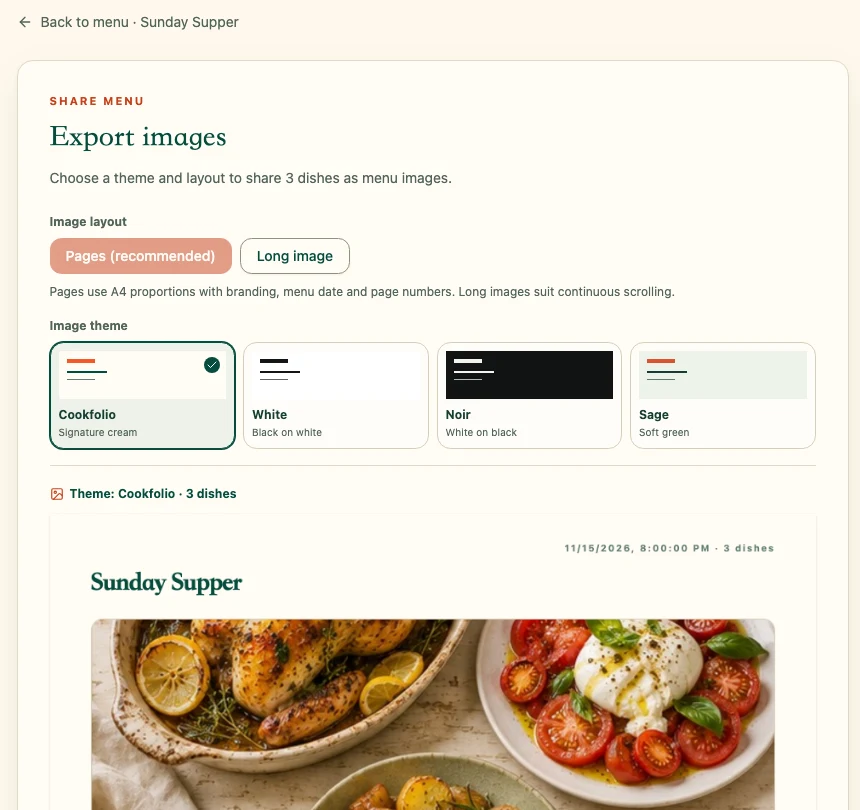
3. Choose an image format for sharing
For a short menu, a long image lets friends browse continuously. For more dishes, choose paginated images to avoid an overly long file. Download multiple pages as a ZIP, extract it, and send the images you need.
4. Check the final files before sending
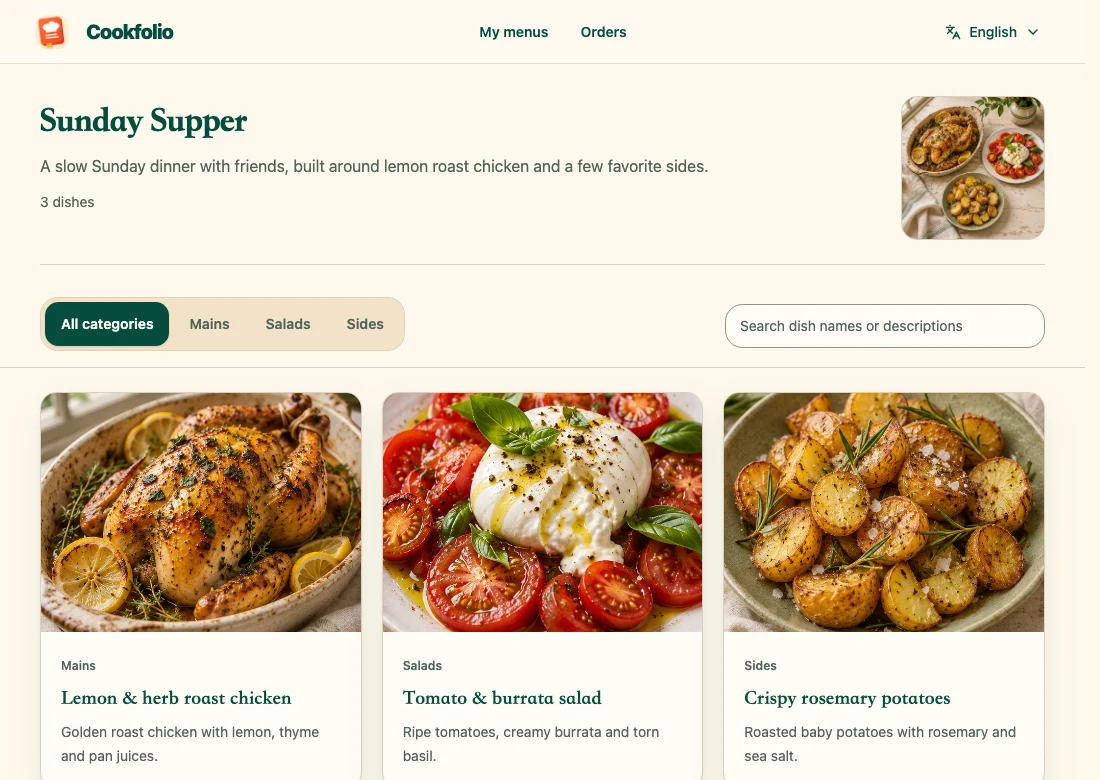
Open the downloaded PNG and check dish names, categories, and page breaks. Images are snapshots at export time; later menu edits do not update files already sent. Export and send them again if dishes change. Use a sharing link if friends should see the latest saved menu.